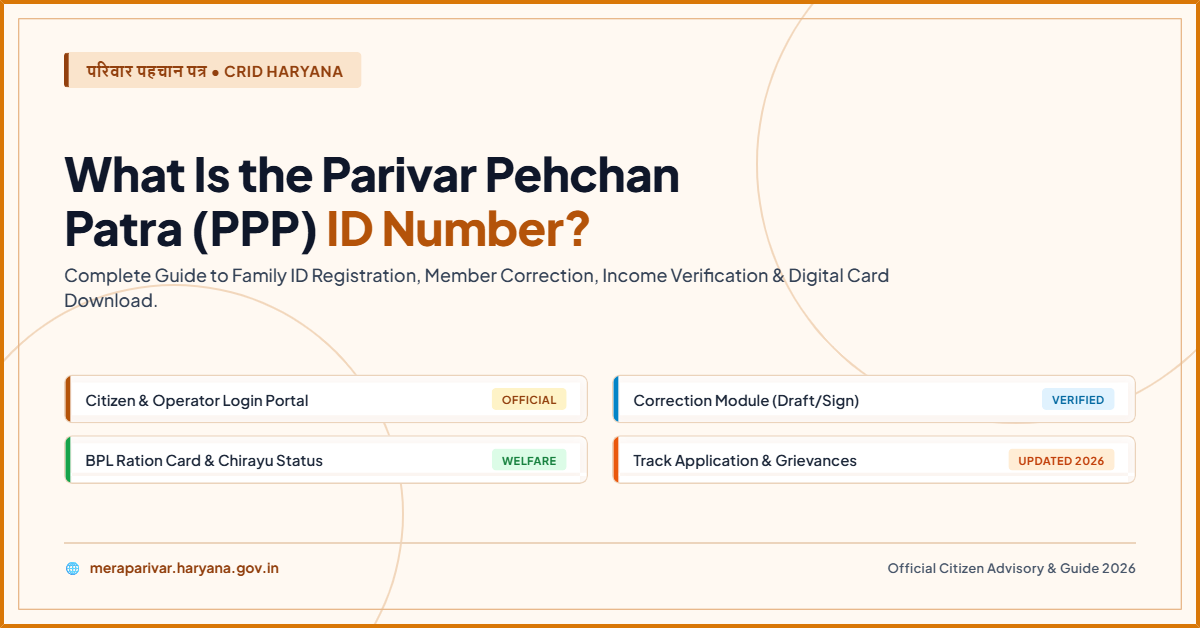
What Is the Parivar Pehchan Patra (PPP) ID Number in Haryana?
Repeating the same paperwork for every government scheme wastes time and delays benefits. The PPP Haryana Family initiative fixes that by giving each household one 8-digit ID that unlocks pensions, ration cards, scholarships, and more automatically. One number. One record. No repeated office visits.
Quick Answer : The Parivar Pehchan Patra (PPP) is an 8-digit unique alphanumeric family ID issued by the Government of Haryana to every household. Created under the Haryana Parivar Pehchan Act, 2021, it digitises family records and links them to birth, death, and marriage registries for automatic updates.
What Exactly Is the PPP ID Number?
The Parivar Pehchan Patra is a unique 8-digit alphanumeric number assigned to each family unit residing in Haryana. The Haryana Parivar Pehchan Act, 2021 provides for the assignment of the Parivar Pehchan Number (PPN) as a unique identifier number to each family.
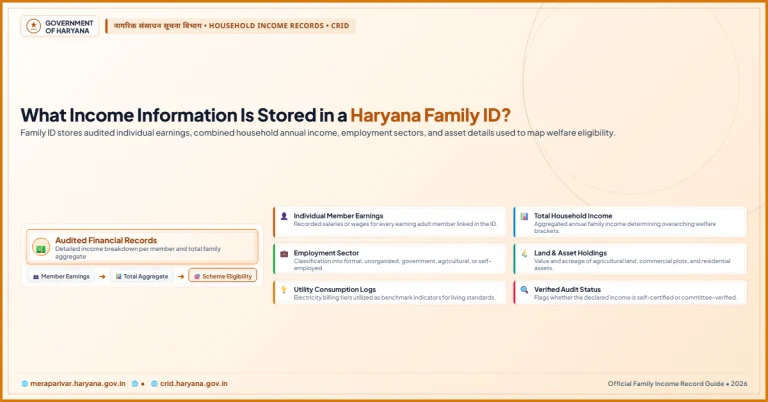
Think of it as a digital family file. It stores each member’s name, father’s name, mother’s name, date of birth, caste, disability status, address, annual income, and land holdings in one secure database called the Family Identity Data Repository (FIDR) . The system is linked to birth, death, and marriage registries so that data updates automatically when life events occur.
The portal that handles registration, updates, and status checks is meraparivar.haryana.gov.in, designed and developed by NIC Haryana.
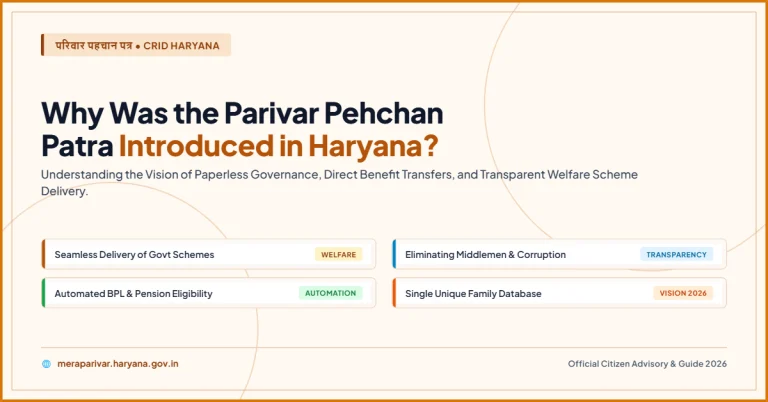
Why Was the PPP System Created?
Before the PPP, each government department kept its own records. The ration card office had one list. The pension department had another. This fragmentation caused duplication, delays, and missed beneficiaries.
The PPP solves three core problems:
1. Duplicate Records:
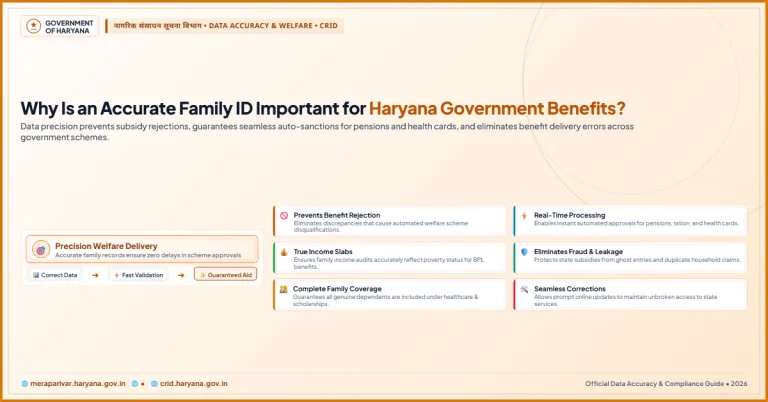
One family, one ID. No more multiple entries across departments.
2. Paperwork Burden:
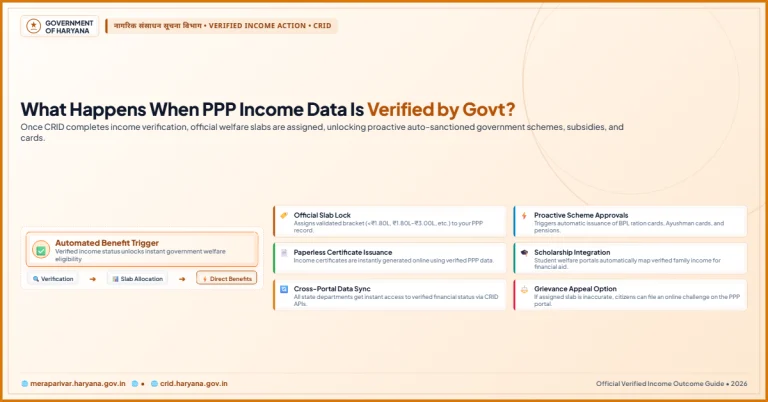
Once verified, families do not need to repeatedly submit identity proofs for routine services. The system enables automatic selection of beneficiaries for different programmes.
3. Leakage in Welfare Delivery:
Automatic beneficiary selection based on verified data reduces intermediary interference.
As of October 2022, 71.26 lakh families containing 2.81 crore members had enrolled in the FIDR database.
Key Features at a Glance
| Feature | Details |
| Permanent Family ID | 8-digit alphanumeric number |
| Temporary Family ID | 9-digit number starting with “T” |
| Legal Basis | Haryana Parivar Pehchan Act, 2021 (Act No. 20 of 2021) |
| Official Portals | ppp-office.haryana.gov.in and meraparivar.haryana.gov.in |
| Registration Fee | Free |
| Auto-Updates | Linked to birth, death, and marriage registries |
| Data Stored | Name, DOB, caste, income, address, land holdings |
The Permanent vs. Temporary PPP ID
Not everyone gets the same type of number. The system distinguishes between two categories:
- Permanent Residents of Haryana receive an 8-digit Family ID. Any family currently residing in Haryana is required to enrol in PPP and is issued a permanent 8-digit family ID.
- Non-Residents Applying for State Services receive a 9-digit temporary ID prefixed with the letter “T”. A family residing outside Haryana but applying for any service or scheme of the state shall also be required to enrol themselves in PPP and will receive a 9-digit temporary family ID initialled with the letter “T”.
This matters because many Haryana services — from school admissions to electricity connections — now require a PPP number, even if the applicant currently lives outside the state.
How to Register for a PPP Haryana Family ID
Registration is entirely free. Before starting, gather these documents:
- Aadhaar cards of all family members (mandatory)
- Address proof (electricity bill, voter ID, or domicile certificate)
- Age proof (birth certificate, matriculation certificate, or school leaving certificate)
- Income or caste certificates (if applying for reserved category benefits)
- Active mobile number of the family head (for OTP verification)
Step-by-Step Registration Process
Step 1: Visit the Official Portal
Open the official PPP website at ppp-office.haryana.gov.in on your phone or computer. The portal works on both mobile and desktop browsers.
Step 2: Start a New Application
Click “Citizen Login” and select “No” when asked about an existing Family ID. This starts a new Parivar Pehchan Number application.
Step 3: Enter Aadhaar Details
Enter the Aadhaar number of the family head. An OTP will be sent to the mobile number linked with that Aadhaar.
Step 4: Verify with OTP
Enter the OTP to verify your identity. Basic details like name and date of birth will auto-populate from Aadhaar records.
Step 5: Fill Household Details
Fill in each member’s details — name in Hindi, date of birth, gender, marital status, caste category, and annual income.
Step 6: Upload Documents
Upload clear PDF copies of all required documents. Each file must be under 200 KB. The portal accepts only PDF format.
Step 7: Add Family Member Information
Add details of all family members, including father’s and mother’s information, spouse details, and children’s Aadhaar numbers.
Step 8: Review and Submit
Review every field carefully before submitting. After submission, save the generated reference number to track your registration status.
How to Update or Correct PPP Details
Life changes. Families grow. Addresses shift. The PPP portal has a dedicated Correction Module for these situations.
Common updates include:
- Adding a newborn — upload the birth certificate
- Removing a deceased member — provide the death certificate
- Changing address — attach an electricity bill or rent agreement for the new residence
- Updating income — upload valid proof of revised earnings
- Correcting a name — the system now allows online removal of wrongly added individuals through an upgraded “Delete Unwanted Member” module
To update, log in at the official portal using your Family ID and complete OTP verification. Submit the change request with supporting documents. The concerned Additional Deputy Commissioner (ADC) reviews and approves valid requests.
Common Problems and How to Fix Them
| Problem | Solution |
| Incorrect name in PPP record | Use the online Correction Module to request a change with proof |
| Unknown person added to family ID | Submit a removal request through the “Delete Unwanted Member” module |
| Address not updating | Upload a fresh utility bill or rent agreement showing the new address |
| OTP not received | Check if your mobile number is linked to Aadhaar; visit a CSC if the issue continues |
| Status stuck for weeks | Contact the local PPP coordinator or visit the nearest Antyodaya Saral Kendra |
Conclusion
The PPP ID number is more than a government code. It is Haryana’s foundation for transparent, paperless welfare delivery. One 8-digit number now connects your family to pensions, scholarships, ration cards, and dozens of state services. Register once, update as life changes, and let the system work for you. For any corrections or new additions, the online portal handles it without repeated office visits. That is the real value of the Parivar Pehchan Patra.
Frequently Asked Questions
1. Is the PPP ID mandatory for all Haryana residents?
Yes. Under the Haryana Parivar Pehchan Act, 2021, every family residing in the state must enrol to access government schemes, subsidies, and services.
2. What is the difference between a permanent and temporary PPP ID?
Permanent residents receive an 8-digit alphanumeric ID. Non-residents applying for Haryana services get a 9-digit temporary ID starting with “T”.
3. Does getting a PPP ID cost anything?
No. Registration and card generation are completely free through the official portal or authorised Saral Kendras.
4. Can I update my family income online?
Yes. Log in to the portal, select the Correction Module, choose “Update Personal Details,” and upload valid income proof.
5. What documents are needed for PPP registration?
Aadhaar cards for all members, address proof, age certificates, and income or caste documents if applicable.
6. How long does PPP verification take?
Verification typically completes within 10 to 30 days, depending on document validation by local authorities.